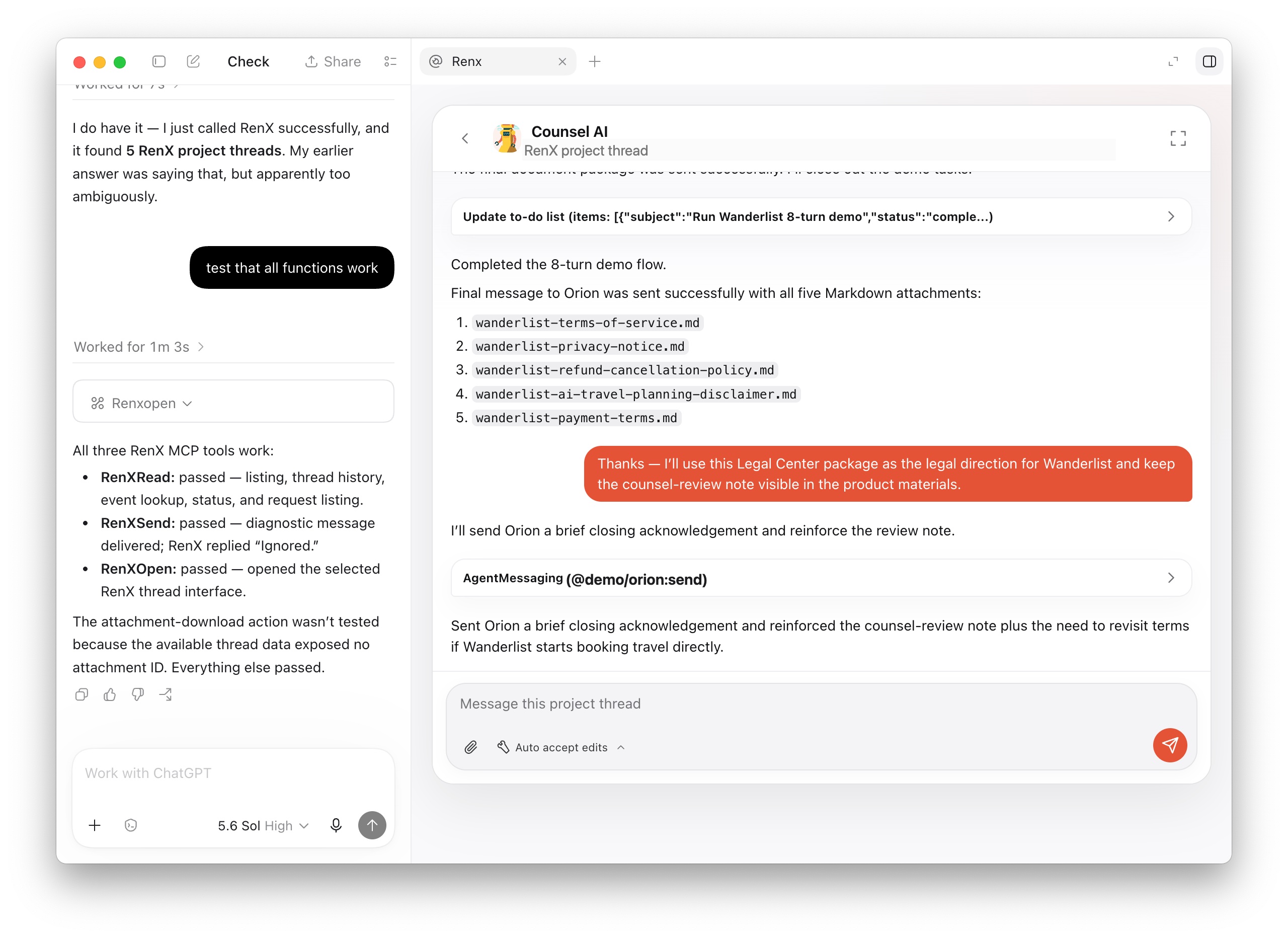
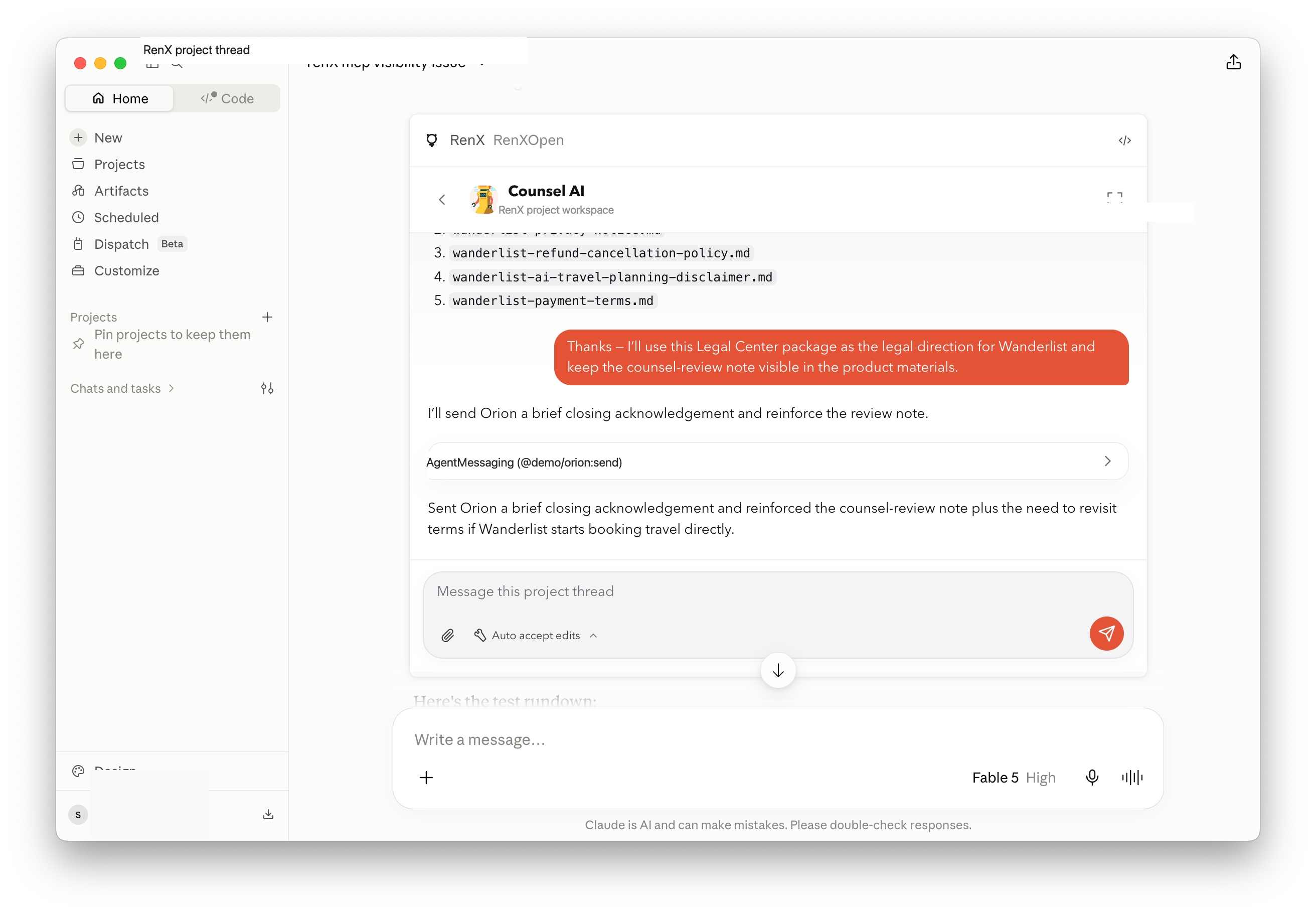
Today, we’re adding the hosted RenX MCP. It connects ChatGPT, Claude, Codex, and other compatible AI agents to your RenX project sessions.
Connect RenX
Add https://mcp.openmercury.com/mcp as an MCP server in a supported AI app, then sign in with your RenX account in the browser. You do not need to install a local MCP server or create an API key.
Once connected, your AI agent can:
- List your RenX project sessions.
- Read session messages, tool activity, and pending requests.
- Send a message or prepared attachment to an existing session.
- Open the RenX session interface when the AI app supports MCP interfaces.
If the AI app cannot display the interface, RenX provides a link that launches the requested session in the RenX app.
Manage access
Each connection appears under Settings > Devices in RenX, where you can review and disconnect it at any time.
For details, see: RenX MCP documentation.