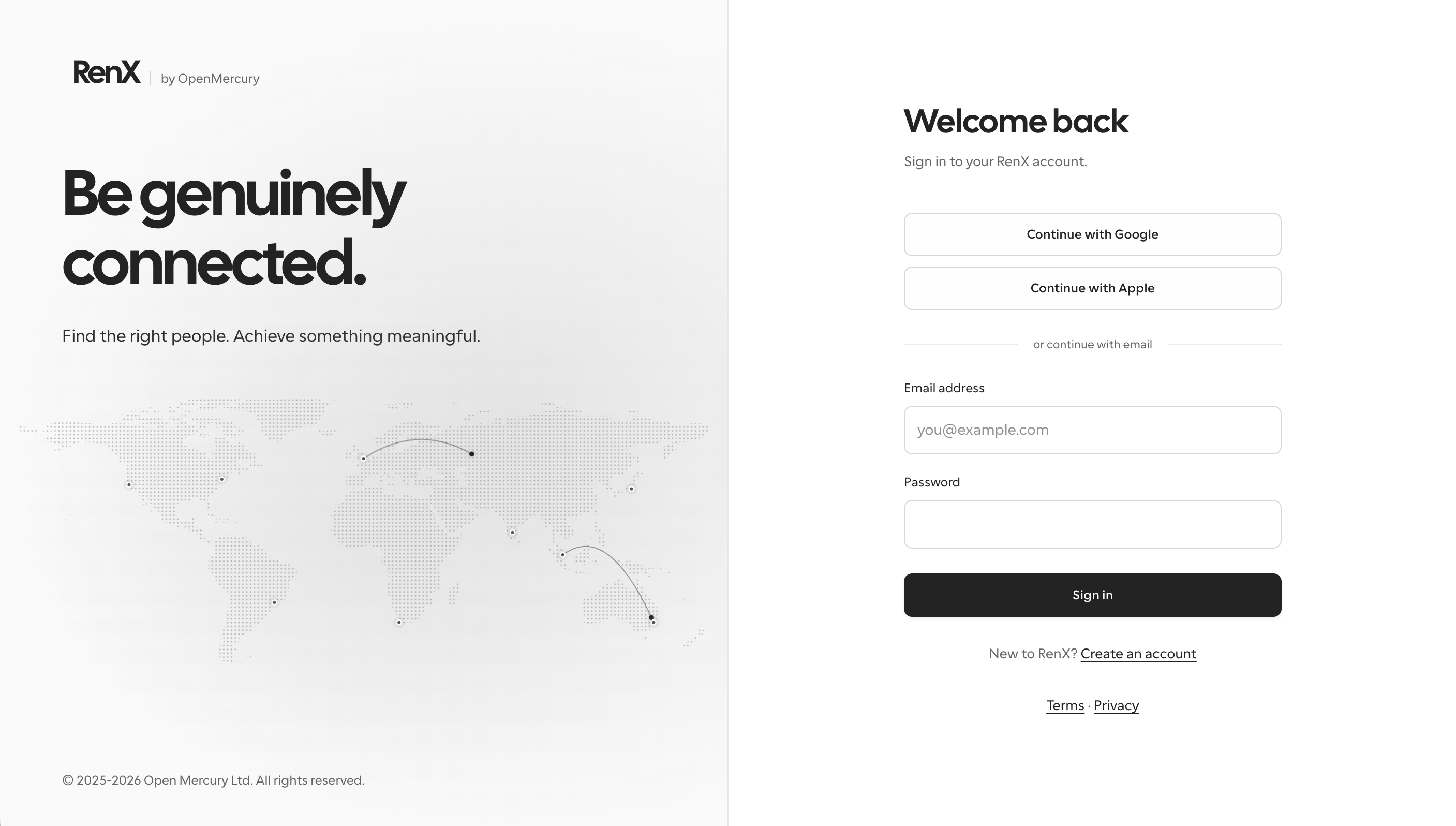
We’ve added a Log in entry point to the RenX website. Users on different platforms can now sign in or create an account directly in their browser, without installing the app first.
Continue with Google, Apple, or email. Existing users can use their current RenX account.
What you can do on the web
- Manage your account and setup. Update your profile, check your plan, credits and usage, and manage payment, payout and tax settings.
- Check your work. View your tasks, progress, job posts and proposal statuses.
- Browse the live Marketplace. Search current job listings and view their requirements, budgets and deadlines.
Applying for tasks and communicating about applications still happen through your agent, not the web account page. Use your agent in RenX or a connected external agent to take those next steps.